 Sana
SanaSay it.
Make space.
Tasks, notes and reminders
for iPhone and Mac.
Speak your plans.
After recording, Sana turns your
words into tasks on your device.
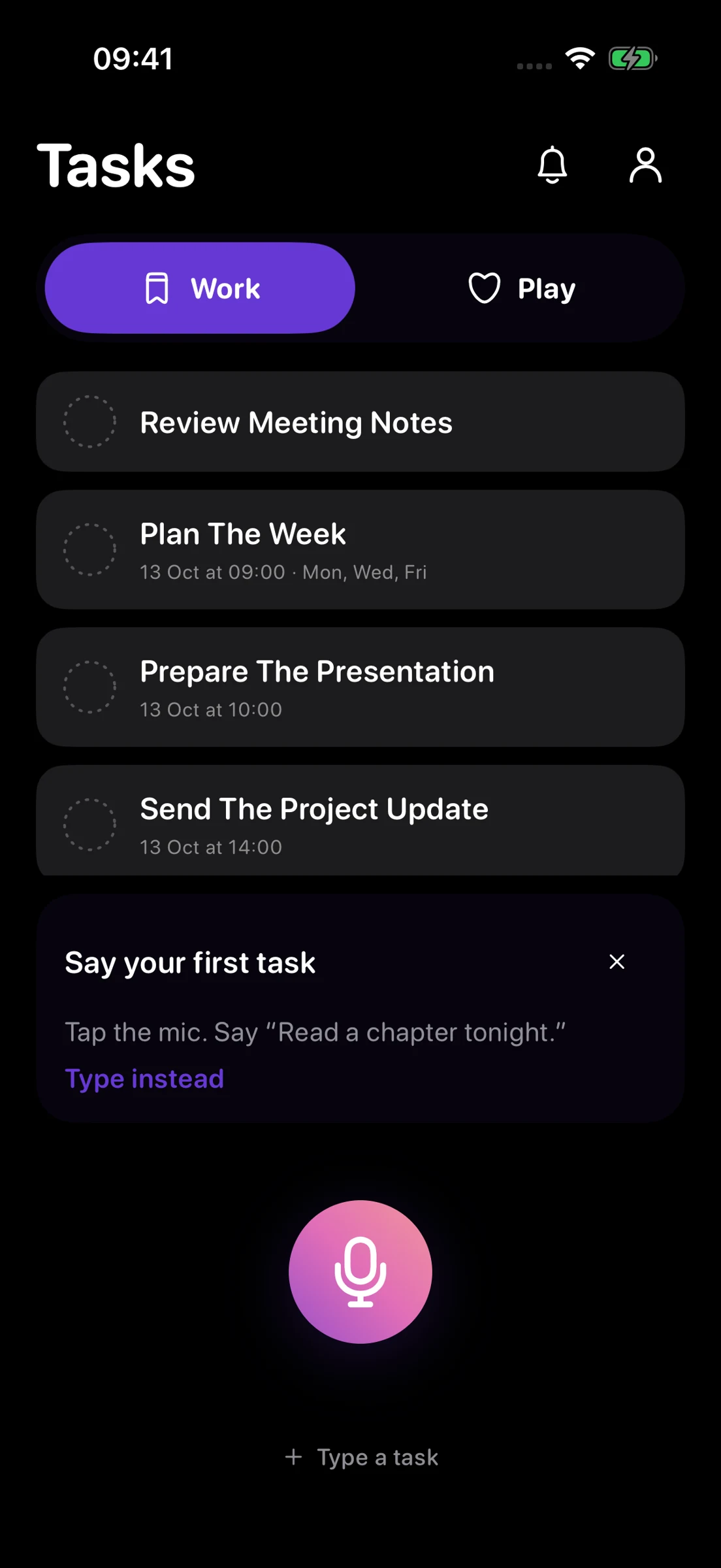
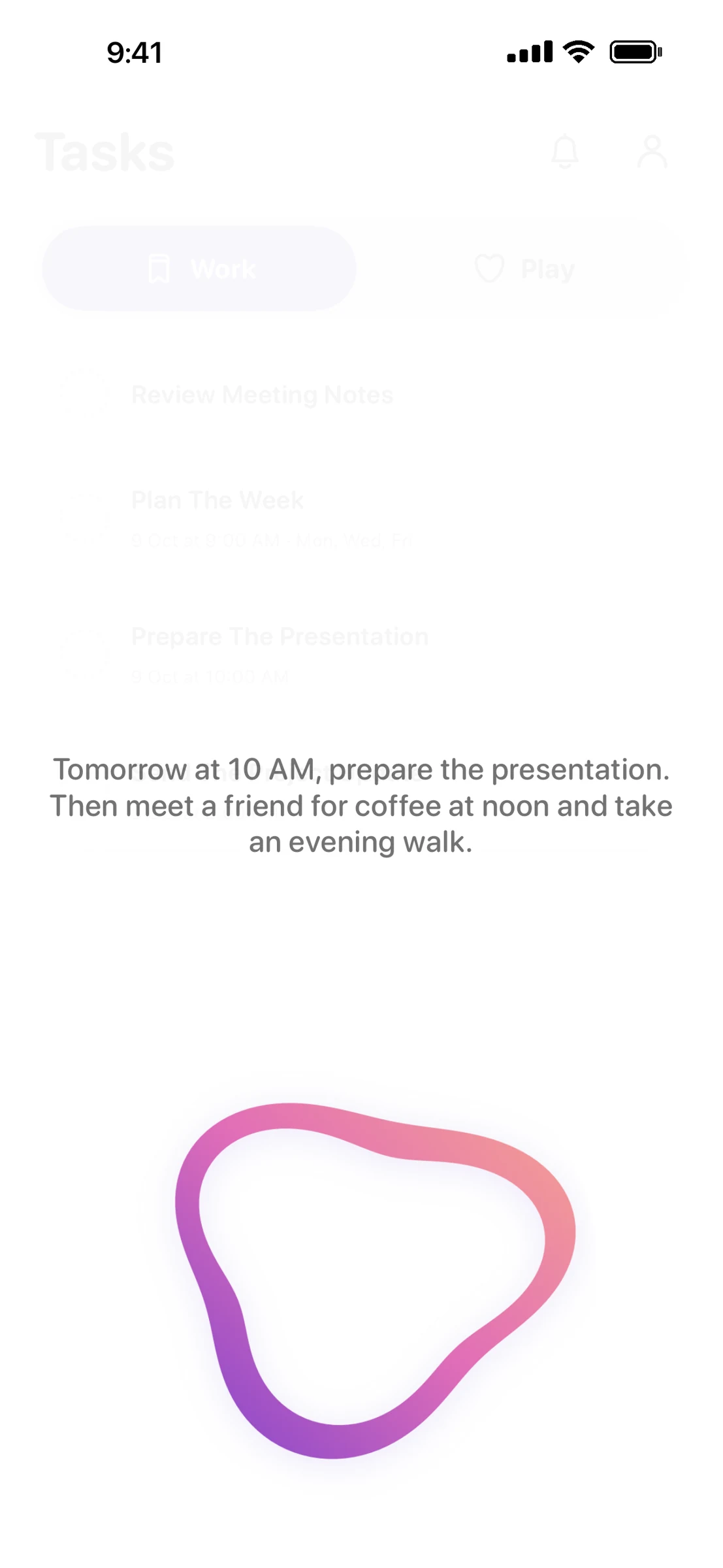
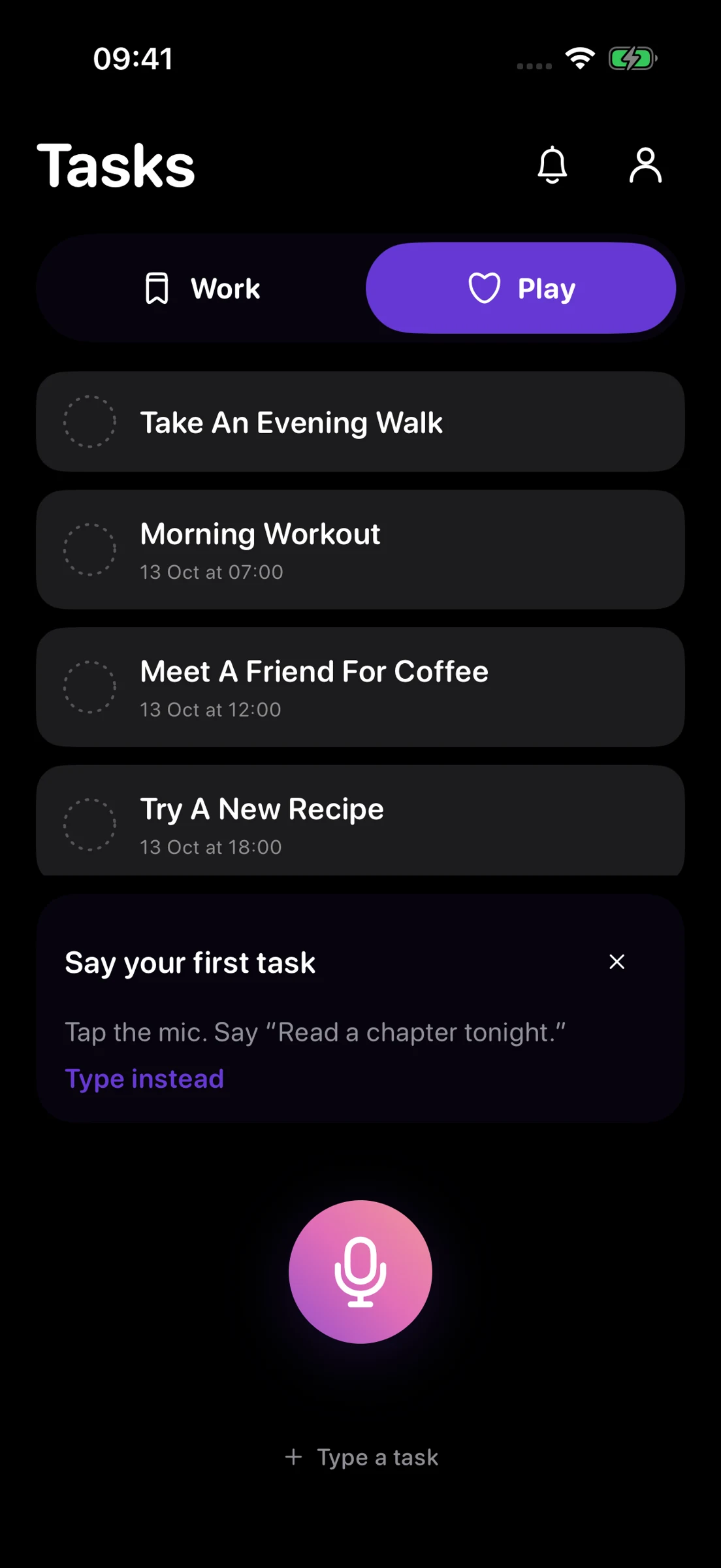
Sample demonstration · no microphone
Illustrative task rows · choose Work or Play manually.
Work and Play.
Separate work tasks
from personal plans.
Keep the details close.
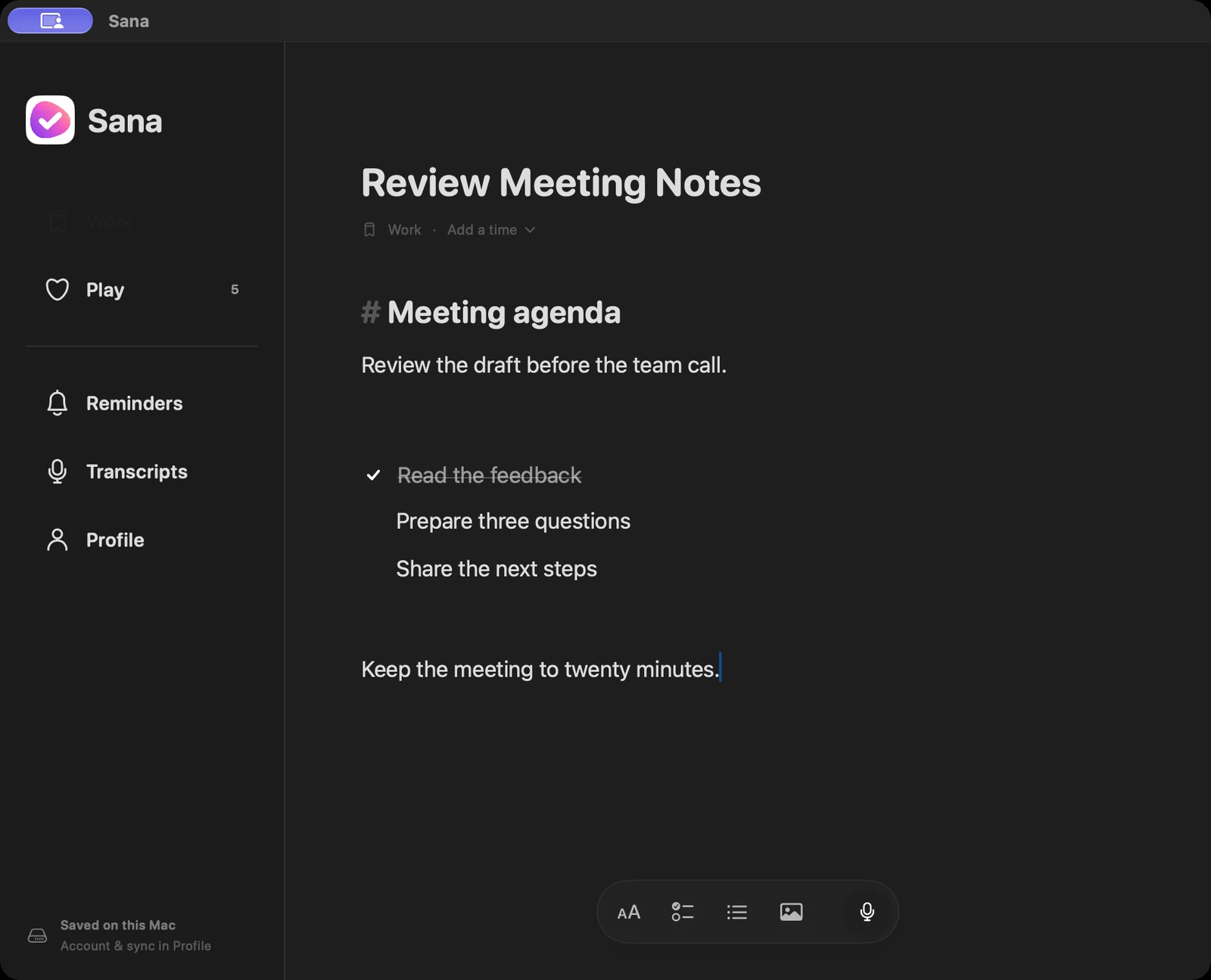
Open a task to read its notes
and checklist.
A little less
on your mind.
Coming to iPhone and Mac.
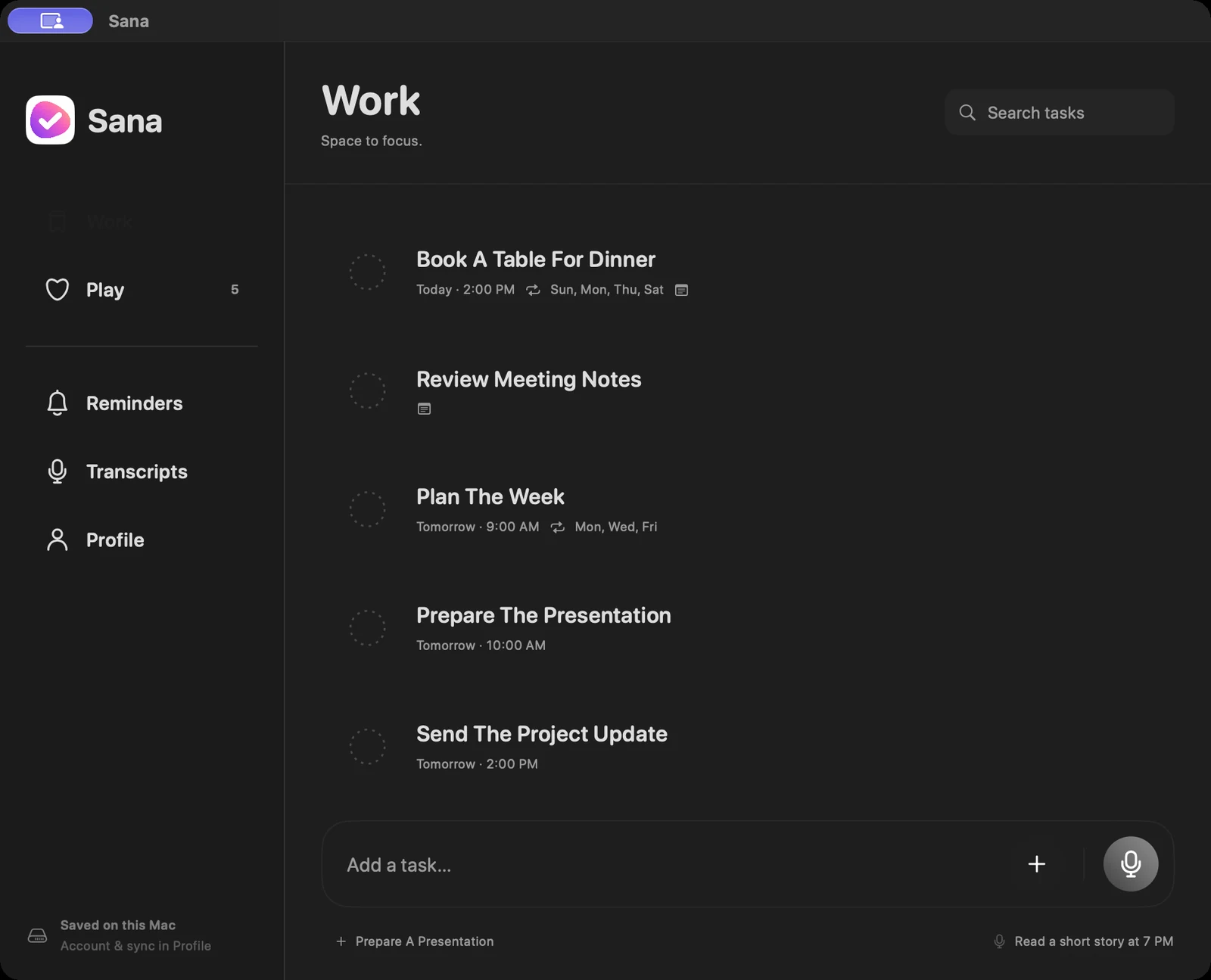
App preview · sample data
Tasks, with the details.
Speak or type a task. Keep notes, checklists, photos and reminders with it. Switch between Work and Play when your day changes.
A spoken thought becomes two tasks.
“Send the draft tomorrow at nine, and go for a walk at six.”
Your voice stays
on your device.
Voice transcription and task processing happen on your iPhone or Mac, subject to supported on-device recognition.
Voice capture needs microphone and speech recognition permission. This website’s sample never records you.
Coming to
iPhone and Mac.
Sana is preparing for release.
FAQ
What is Sana?
Sana is a task app for iPhone and Mac, with Work and Play spaces, voice capture, typing, notes, checklists, photos and reminders.
Can I type instead?
Yes. You can type tasks, or use voice when speaking is easier.
Where does voice processing happen?
Voice transcription and task processing happen on the device, subject to supported on-device recognition. Recording needs microphone and speech recognition permission.
Can I download Sana yet?
The iPhone and Mac apps are being prepared for release. Download links will appear here when the apps are available.